
NEED SUPPORT, HAVE IDEAS?
Version 2.0 - For support, questions, or feedback, please email: david@allentattoo.com
PRINTABLE Filter REFERENCE
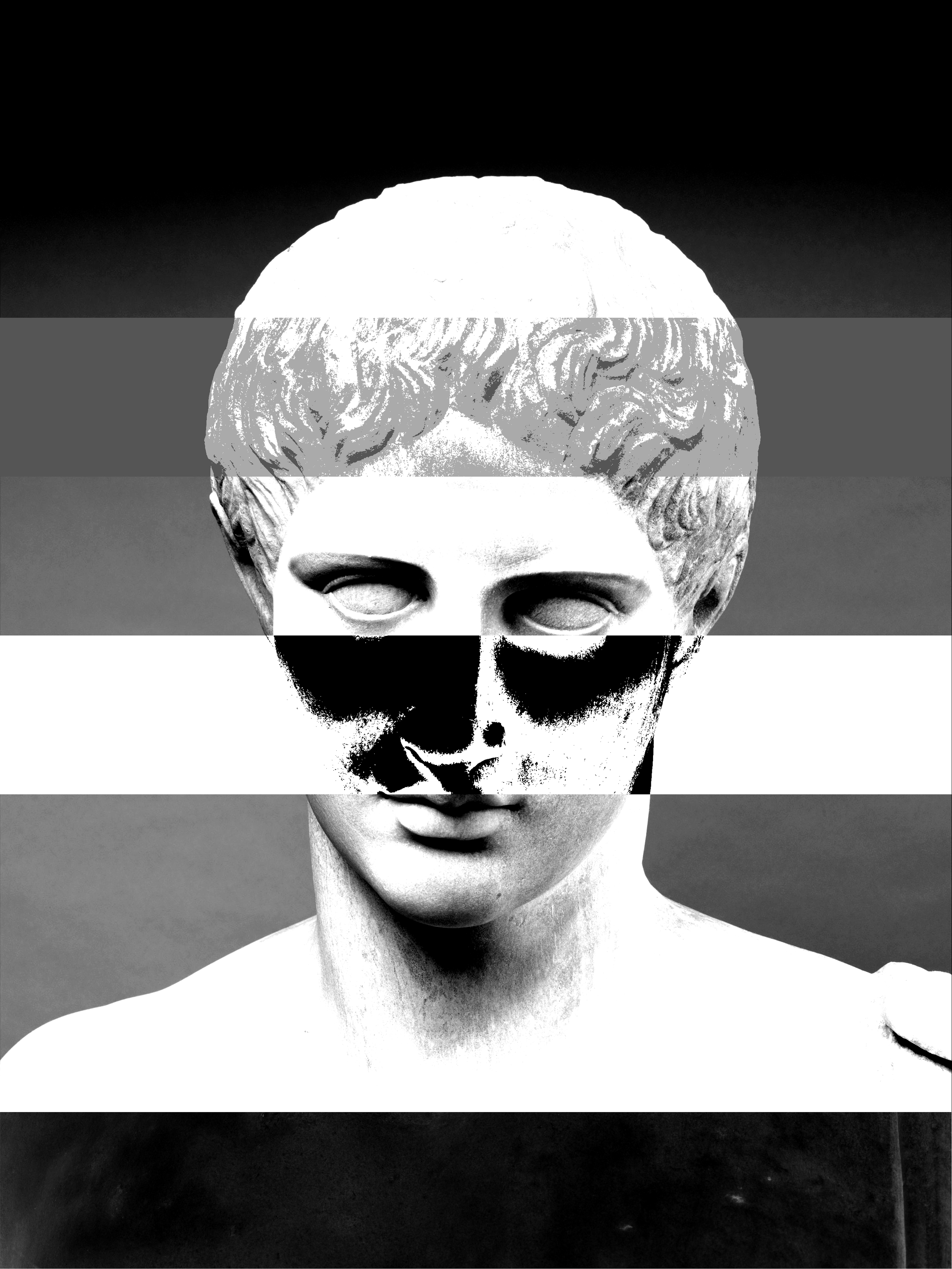
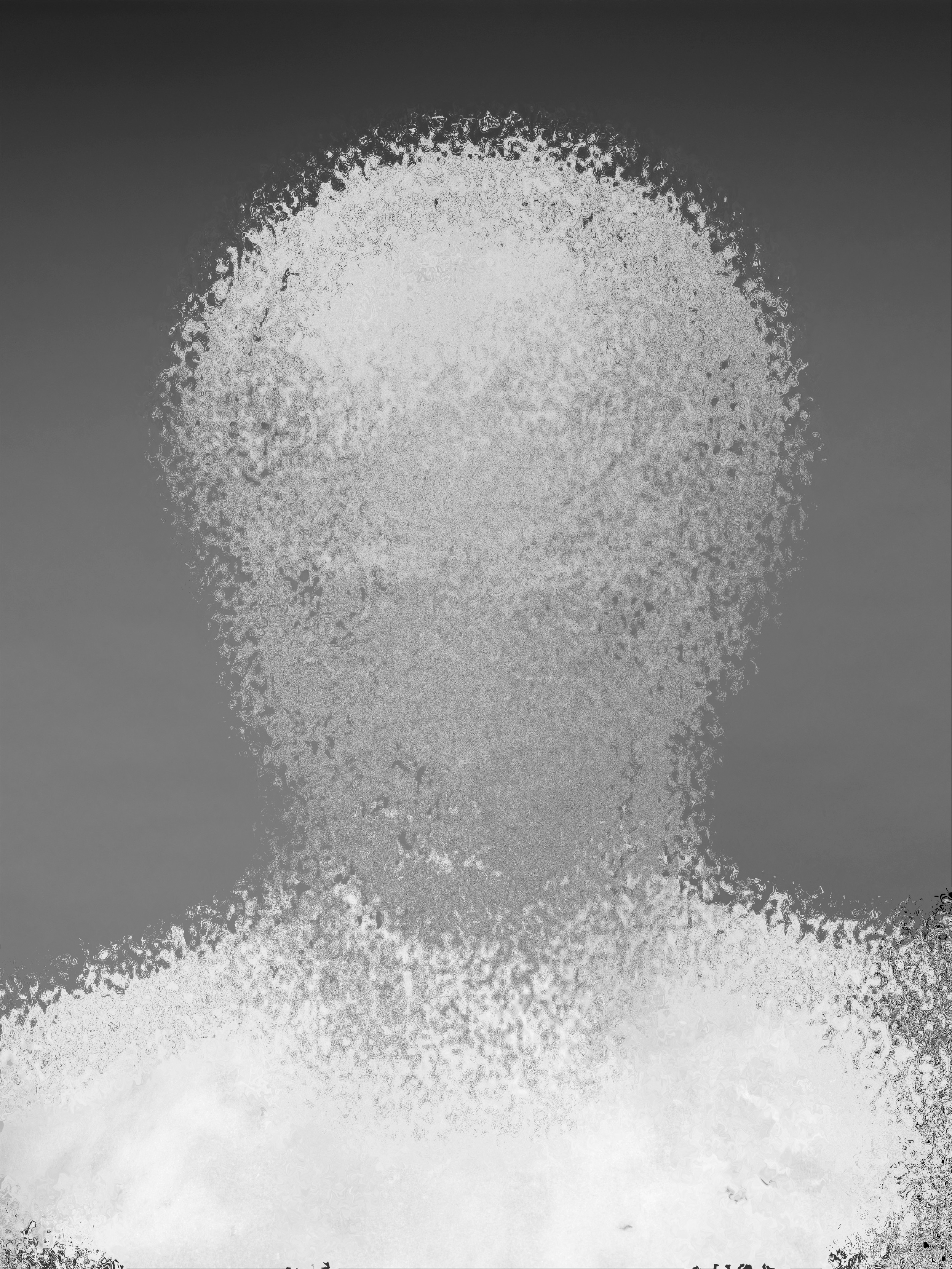
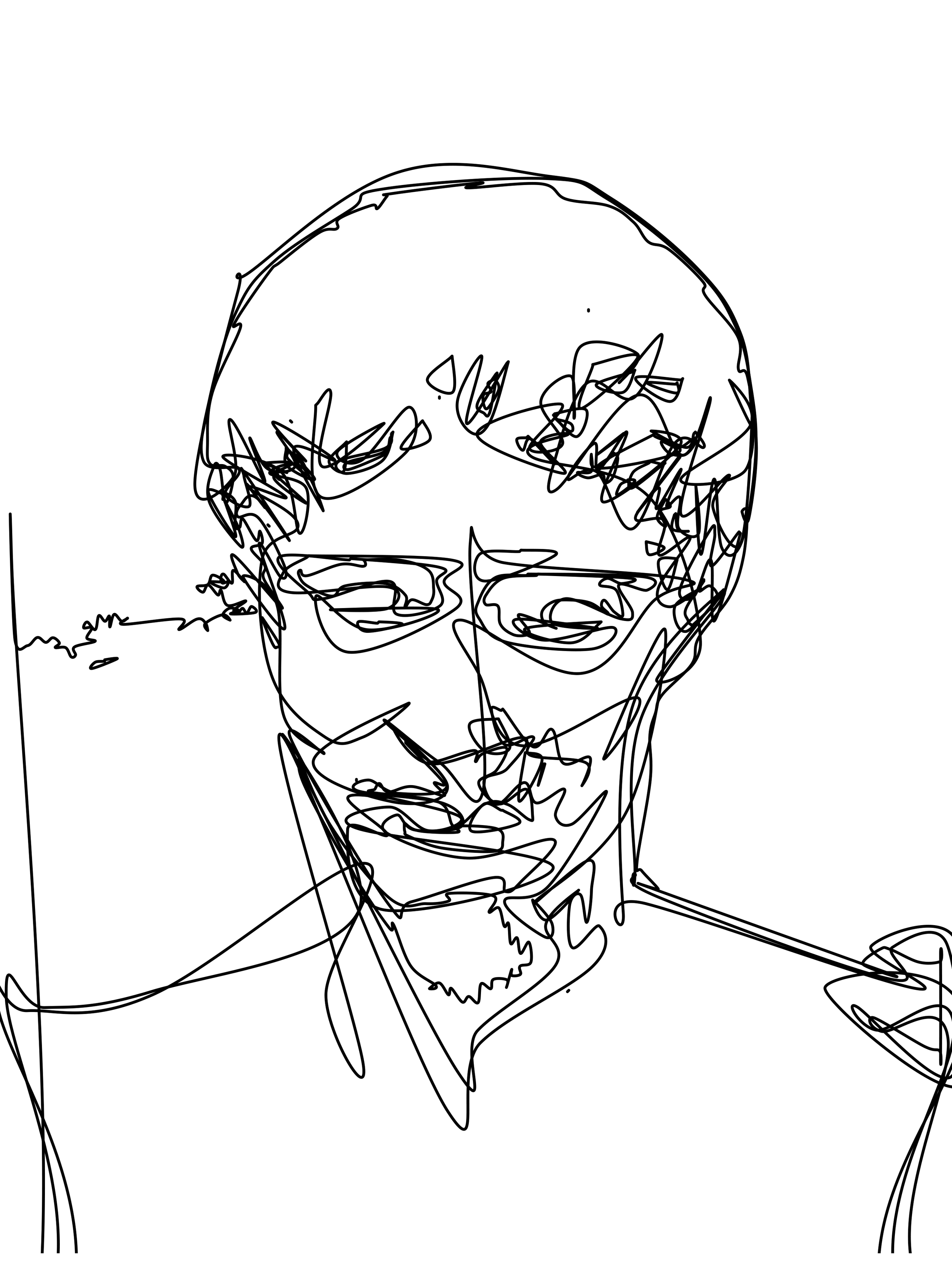
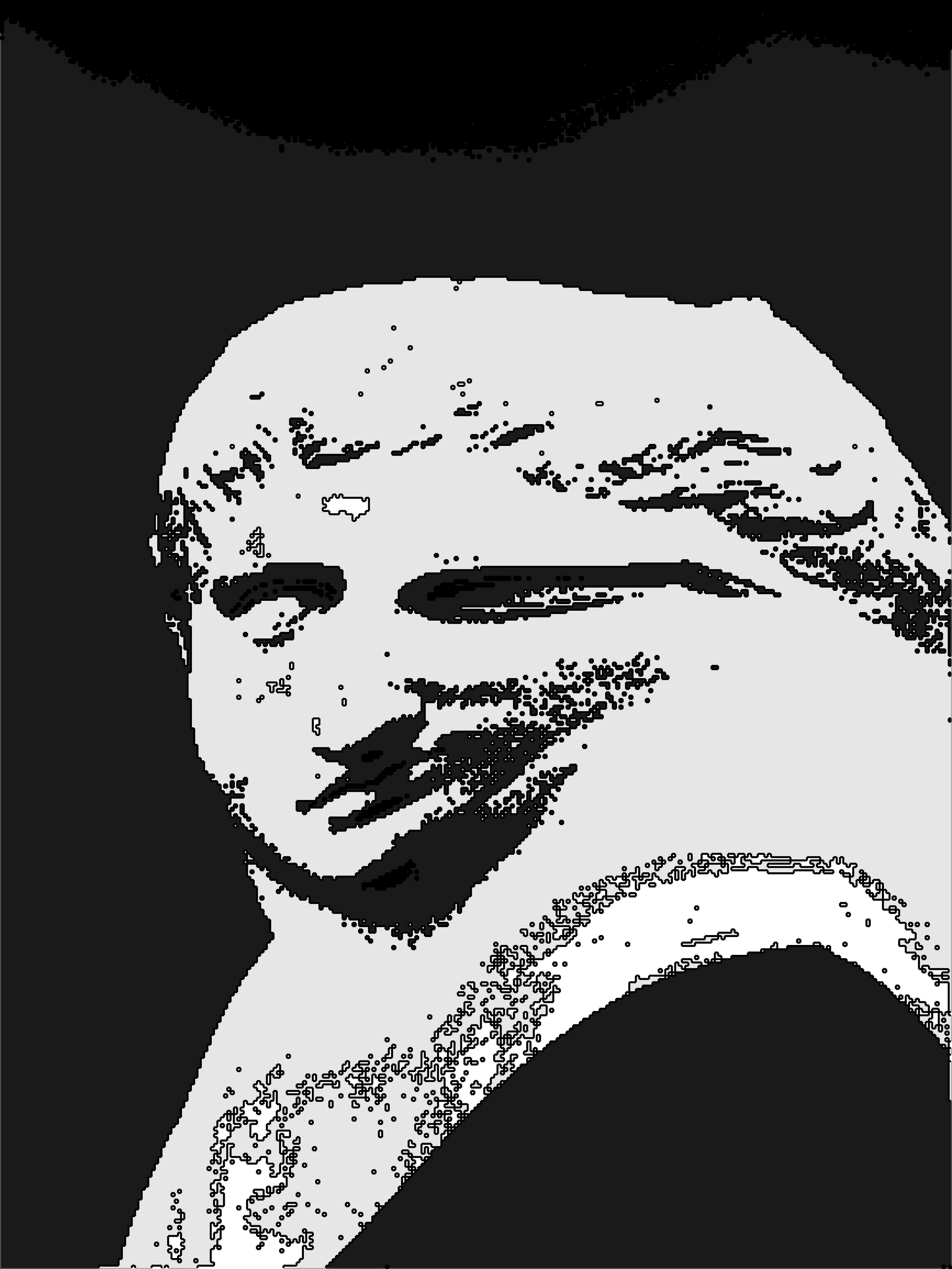
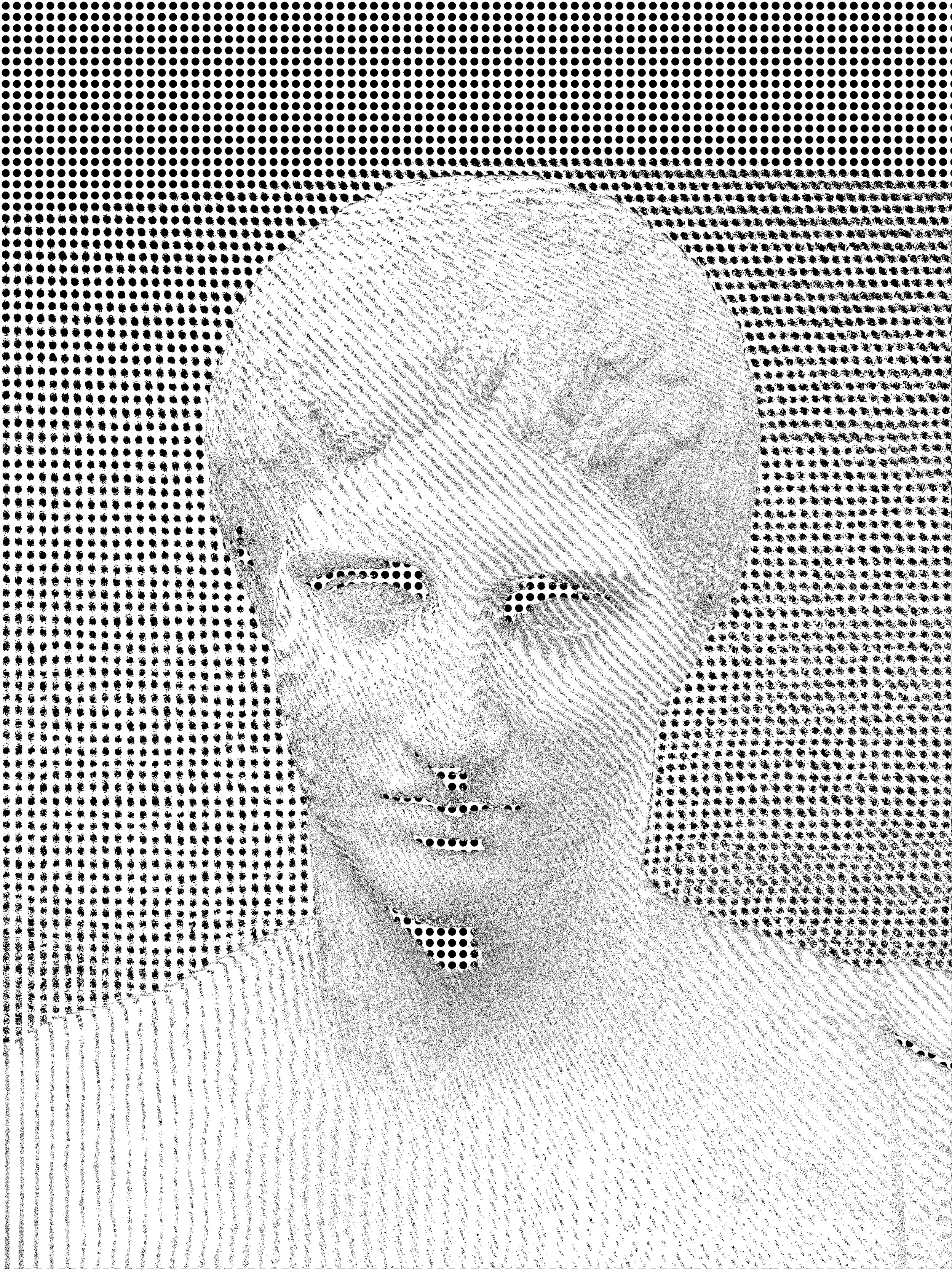
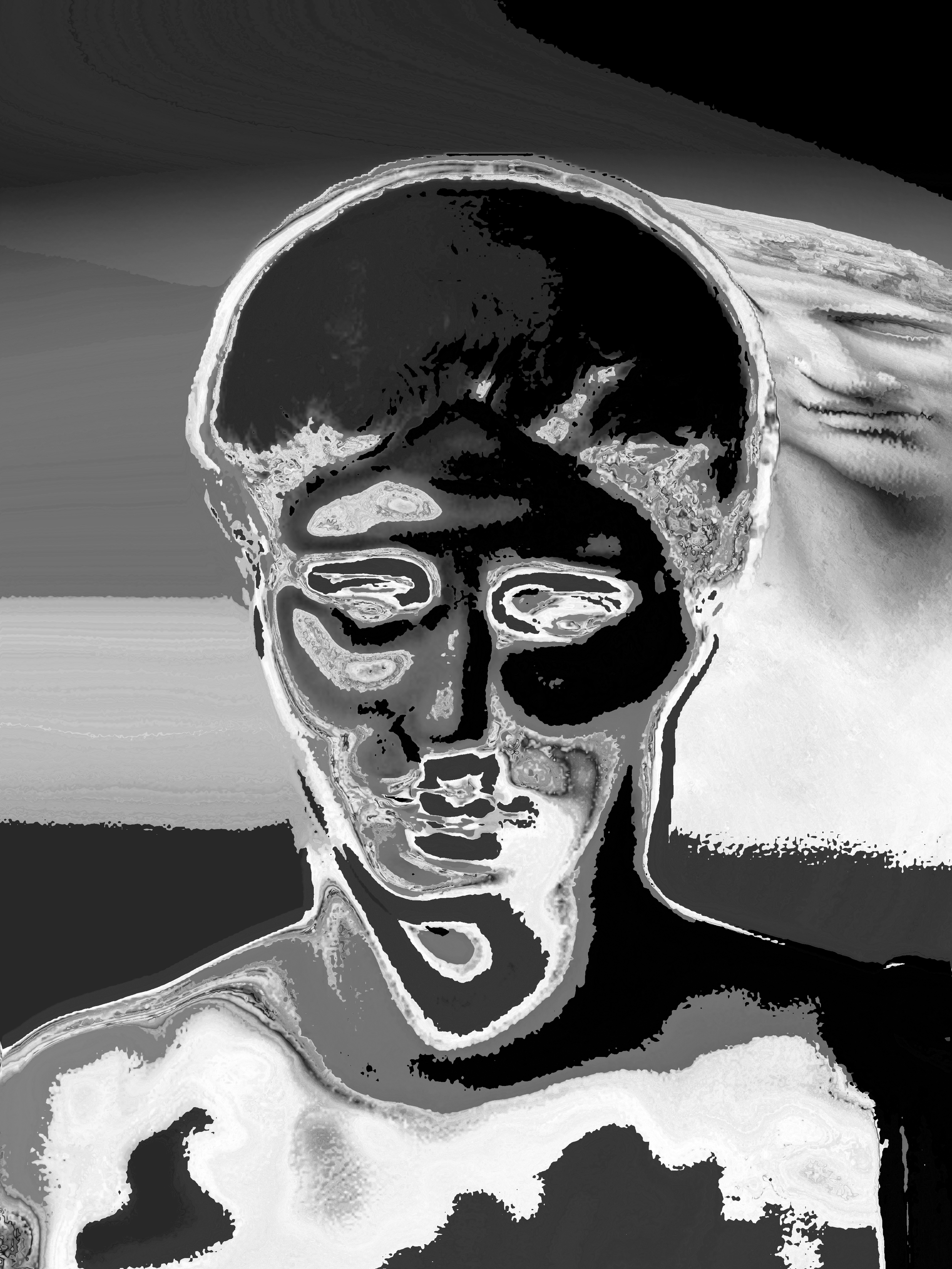
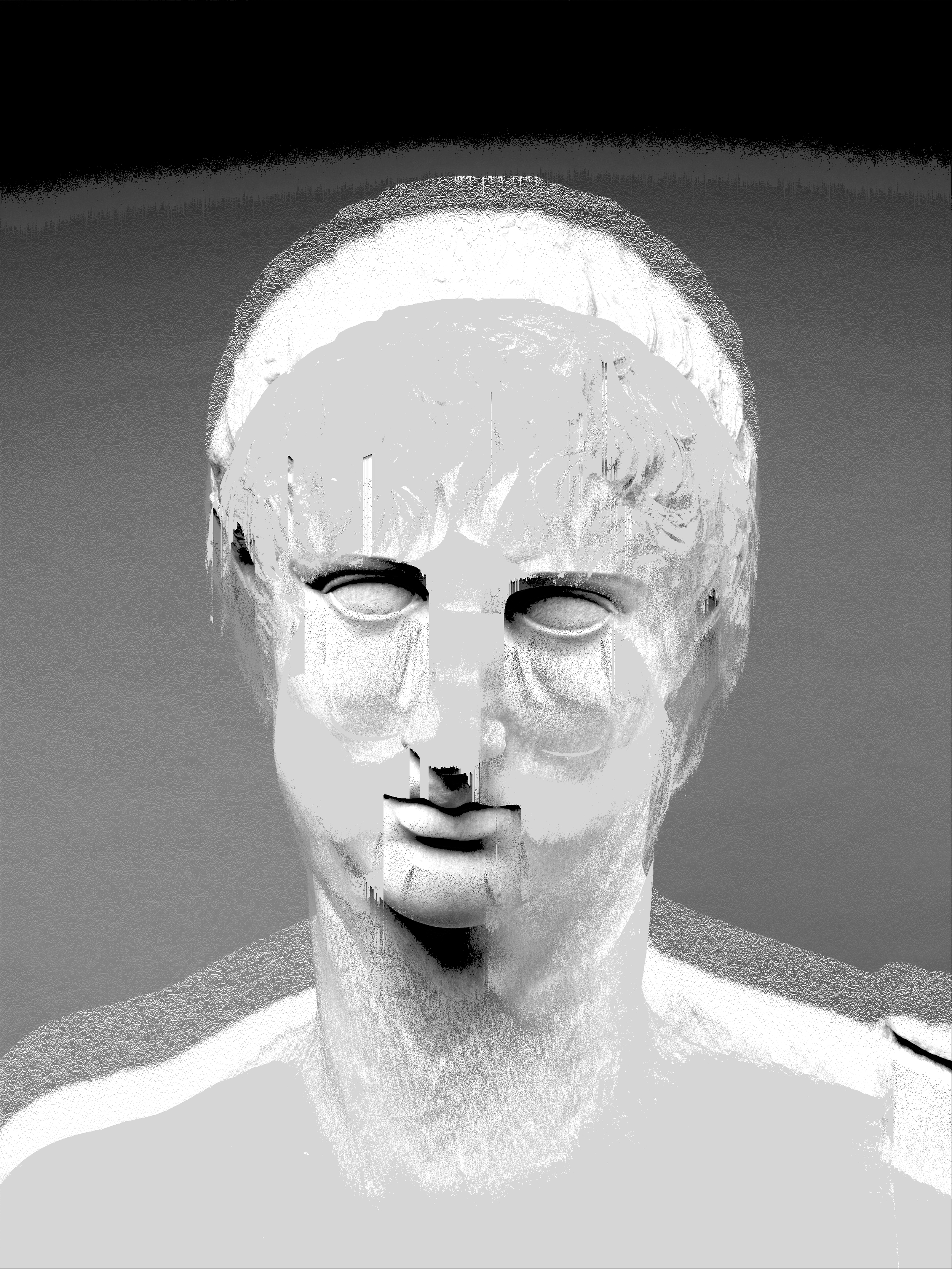
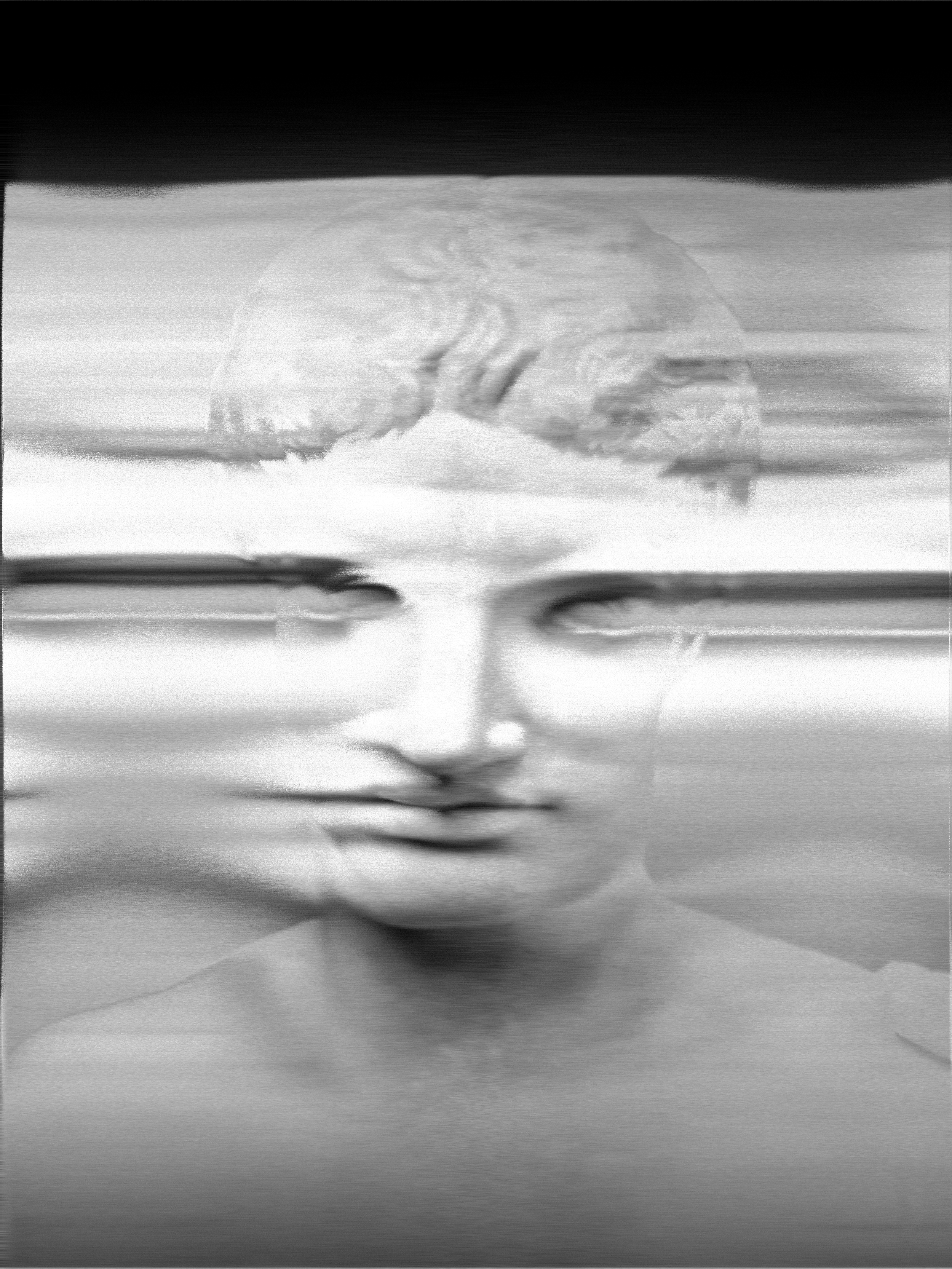
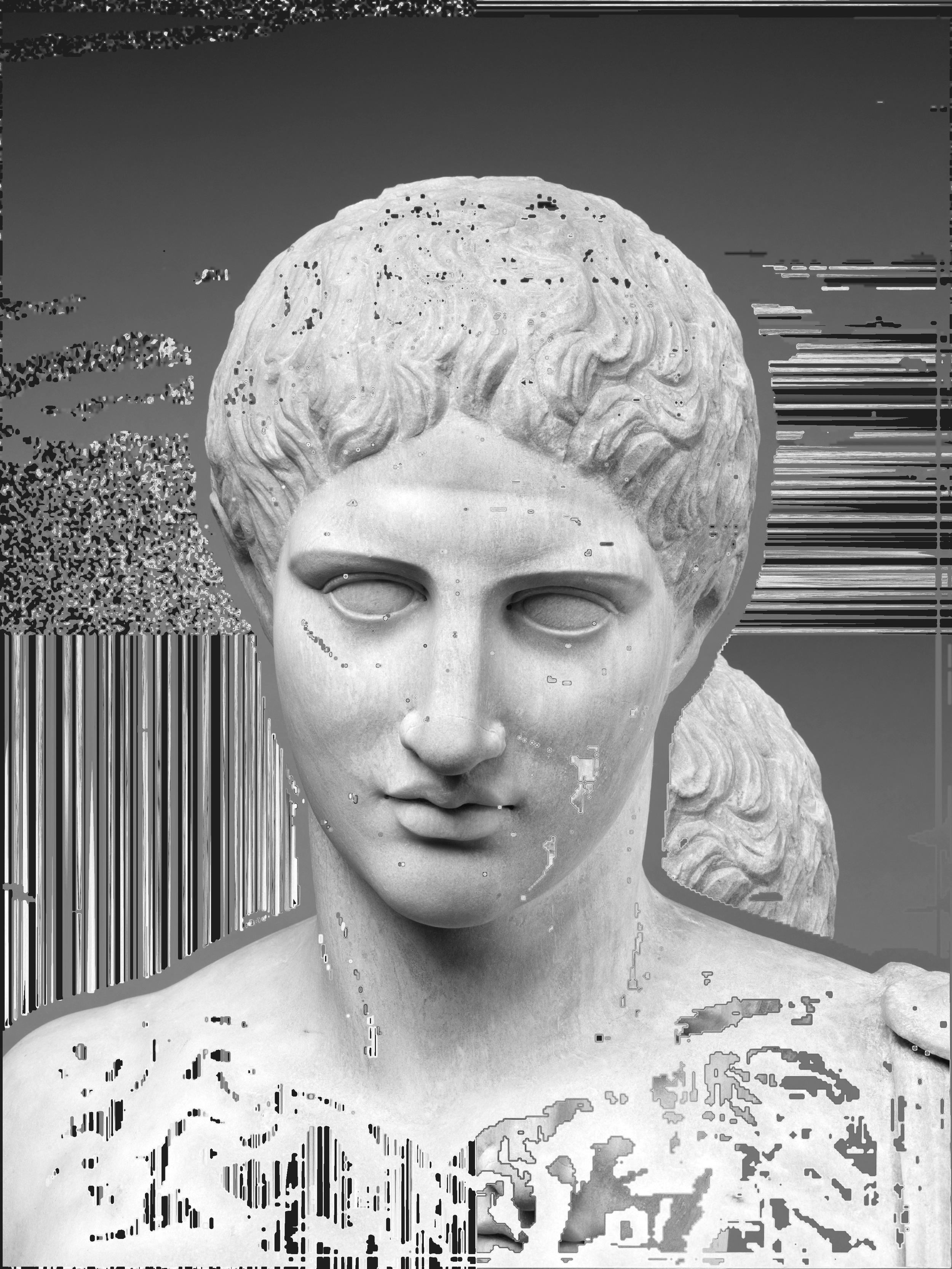
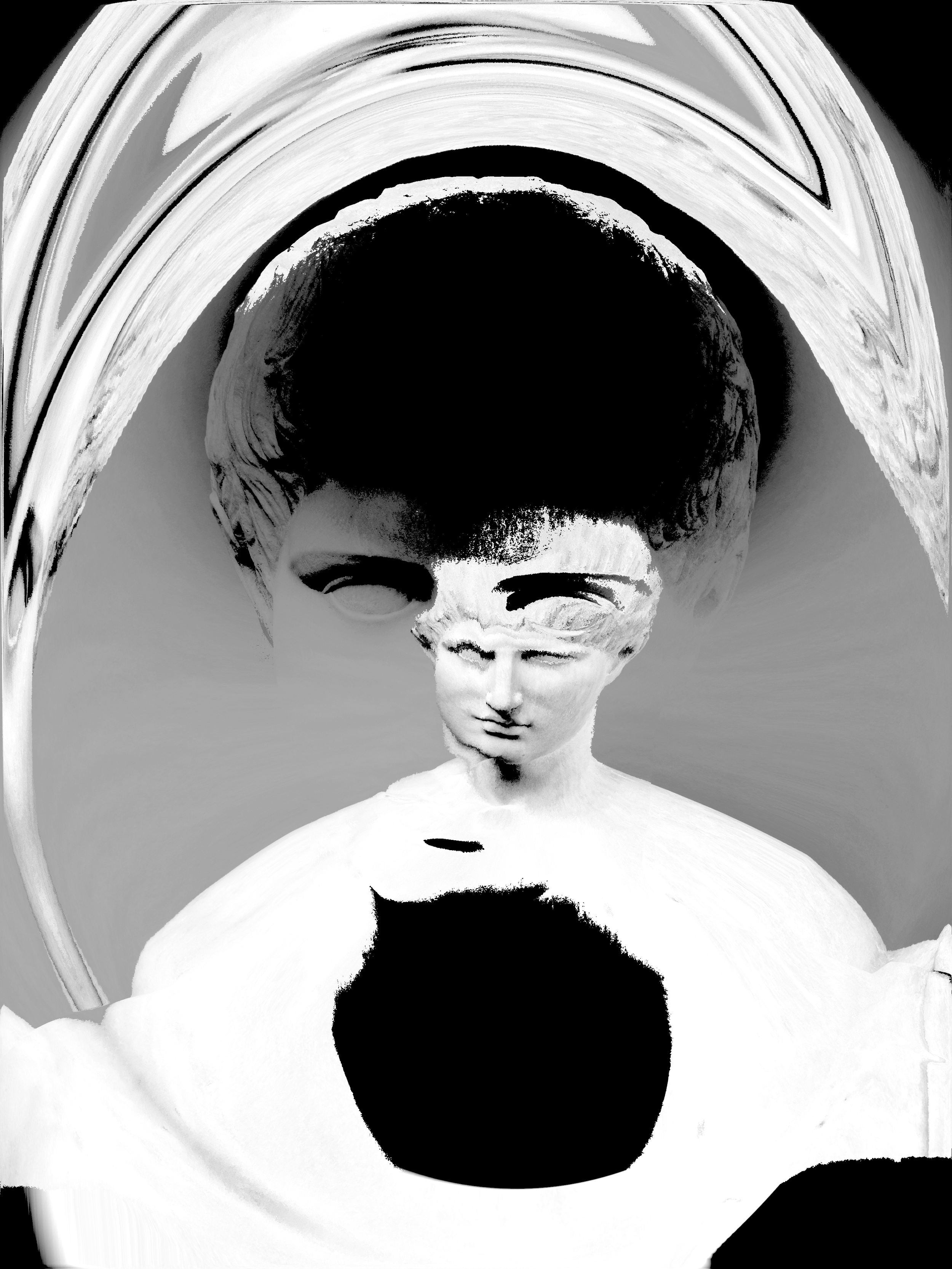
Mono Lab
A black-and-white photo editor for iPhone. 100+ filters built around contrast, texture, distortion, and vector tracing. Every image is processed on your device. Nothing is uploaded.
Push photos into high-contrast ink, gritty xerox textures, warped relief maps, or clean vector paths. Export as PNG or vector PDF.
TIPS
Start with a preset, then break it. Every preset is a starting point. Drag the sliders past where they feel safe. The interesting stuff lives at the edges.
Overexpose on purpose. Push exposure and whites until the image burns out, then pull contrast back in. You'll find shapes you didn't know were there.
Combine grain and scratches. Grain softens. Scratches sharpen. Together they build a surface that feels physical, like a print someone actually held.
Try the same photo across all four tabs. A portrait that looks flat in Black might turn architectural in Warp or become something entirely new in Vector. The tabs aren't just categories, they're different ways of seeing.
Use vignette to direct attention. A heavy vignette forces the eye inward. Pair it with a high-contrast preset and suddenly the subject has nowhere to hide.
Let the Warp tab surprise you. Mesh Crumple, Data Mosh, Strip Shear. These aren't corrections. They're destructions. Feed them a clean image and see what survives.
Vector presets export as PDF. Circle Mosaic, Filled Form, Contour. These produce real vector paths, not rasterized effects. Scale them to any size. Print them on a wall.
Tap the eyeball icon. Toggle back and forth while you edit. The distance between where you started and where you are is the whole point.
Low-resolution images aren't a problem, they're a texture. Pixel artifacts and compression noise become part of the image when pushed through high-contrast filters. Don't always reach for your sharpest photo.
There's no undo philosophy here. Every slider resets. Every preset swaps instantly. Move fast, try things, keep what hits.
IN DEPTH
Layering with Flatten
Apply a preset, then flatten the image. Now you can apply a second preset on top. This stacking technique lets you create unique looks that aren't possible with a single filter.
Try flattening a Distort effect, then applying a Black or Grey preset over it for a textured, layered result.
You can undo a flatten if you don't like the result.
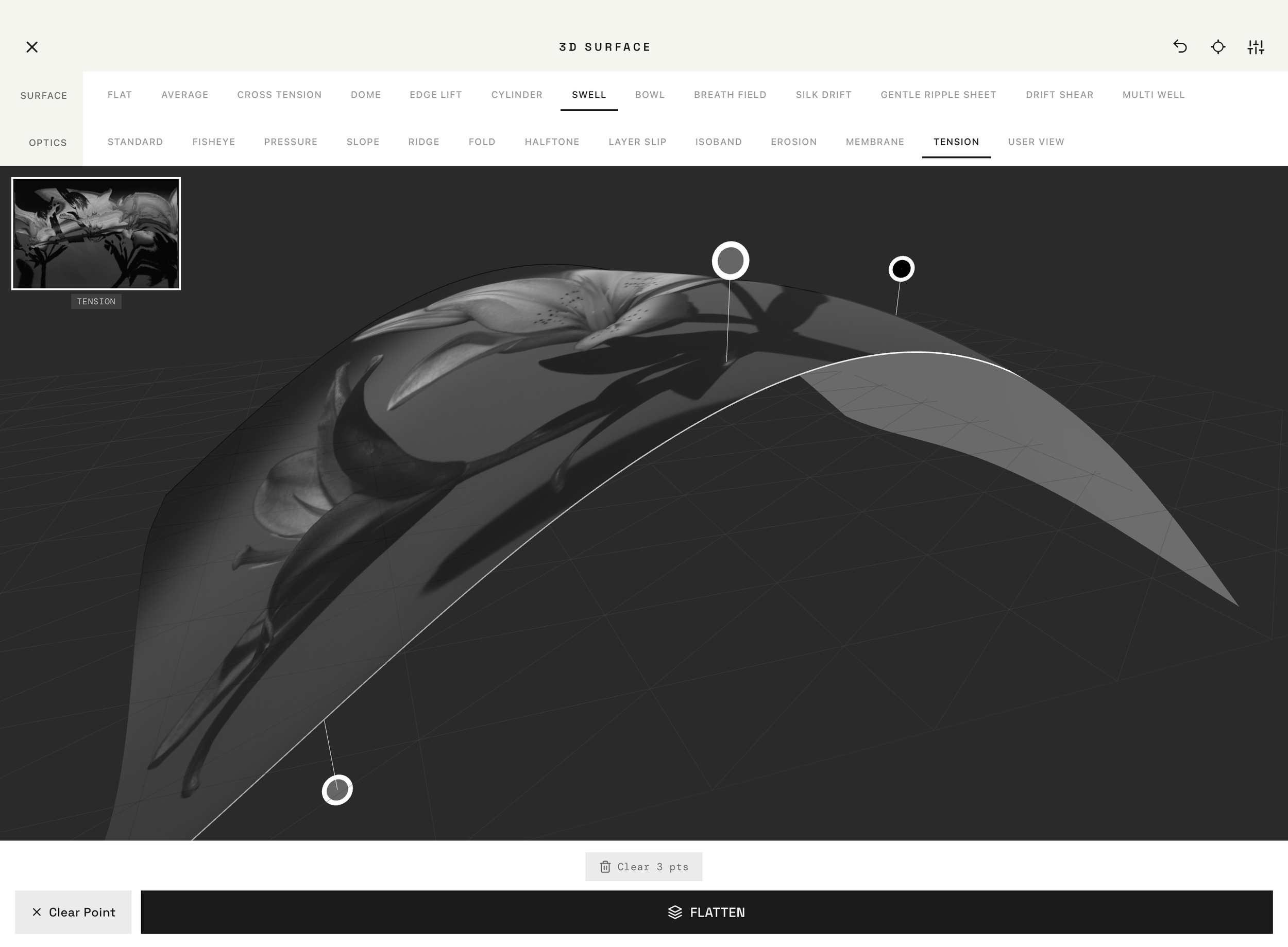
3D Surface
Open the 3D terrain studio to sculpt your photo into a three-dimensional surface. Drag the control points to shape the terrain.
Experiment with different surface materials and lens effects for dramatic results.
When you flatten from 3D, the result becomes your new base image. You can then apply more presets on top.
Vector Tab
Vector presets convert your photo into shapes and contours. These export as PDF files that can be scaled to any size without losing quality.
Great for creating artwork, prints, or design assets from your photos.
A Note on Large Photos & Distort Filters
Mono Lab processes everything directly on your device… your photos never leave your phone. This is great for privacy, but it means your device's memory is doing all the heavy lifting.
Some filters (especially the Distort ones) are computationally intense. They analyze and rearrange every single pixel in your image. When you're working with a high-resolution photo (like a 24MP image from a newer iPhone), that's over 24 million pixels being individually transformed.
If your device runs low on memory during export, the save may not complete. This is more likely with:
Very large photos (20MP+) combined with Distort filters
Older devices with less available memory
What you can do:
If an export fails, try again — sometimes the second attempt works after memory is freed
For the most demanding filters, the app will let you know if it detects potential memory pressure and offer a reduced-size export option as a fallback
Your image quality is never silently reduced. Mono Lab always tries full resolution first, and only offers alternatives if needed.

Mono Lab is a photo editing application that processes all images entirely on your device. We do not upload, store, or transmit your photos to any server.
Data We Do Not Collect
Photos or images you edit
Personal information
Usage analytics or tracking data
Location data
How the App Works
All image processing, including filters, adjustments, and exports, happens locally on your device. No internet connection is required to use the editing features. Edited images are saved only to your device's photo library or shared through your device's native share sheet.
Third-Party Services
Mono Lab does not integrate with any third-party analytics, advertising, or data collection services.
Contact Us
If you have any questions about this Privacy Policy or our data practices, please contact us via david@allentattoo.com

By using Mono Lab,
you agree to the following terms.
USE OF THE APP
Mono Lab is a photo editing tool provided as-is. You may use it to edit and export images for personal or commercial use. You retain full ownership of any images you create or edit using the app.
YOUR CONTENT
Your photos never leave your device. We have no access to your images and assume no responsibility for the content you create or share.
DISCLAIMER
Mono Lab is provided without warranties of any kind, express or implied. We do not guarantee uninterrupted or error-free operation of the app.
LIMITATION OF LIABILITY
To the fullest extent permitted by law, we are not liable for any damages arising from your use of the app.
CHANGES TO THESE TERMS
We may update these terms from time to time. Continued use of the app constitutes acceptance of any changes.
Contact Us
If you have questions about these Terms of Service, please contact us via david@allentattoo.com